Quick answer
- Write your website (or brand name), not just your @handle: pins exist to send people somewhere.
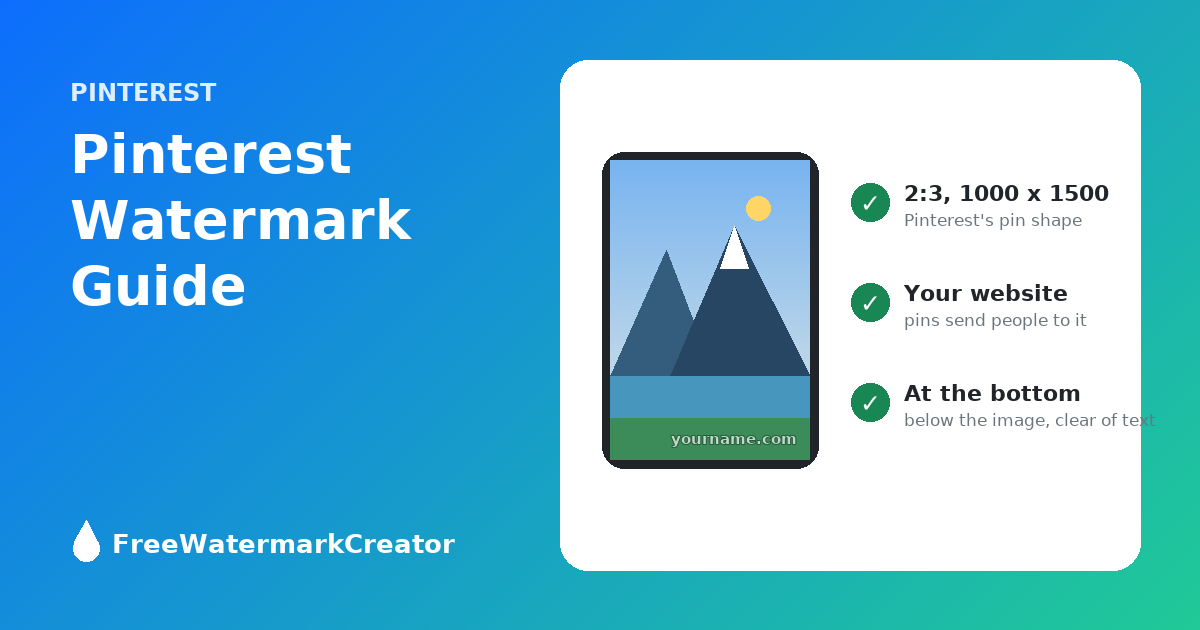
- Make pins 2:3, 1000 × 1500 pixels, as Pinterest recommends.
- Put the watermark at the bottom center, clear of any headline at the top.
- Make it clearly visible, around 50% opacity with an outline. Pinterest itself recommends visible branding.
- Claim your website on Pinterest, so pins saved from it show your profile.
Why watermark your pins?
Pins spread in a way other posts don't: people save them to their own boards, those boards get browsed and saved again, and images also get downloaded and re-uploaded with a different link, or none at all. A watermark is the one piece of credit that stays on the image itself.
Pinterest doesn't just tolerate this. Its creative best practices advise making your logo or brand name "clearly visible", as long as it doesn't overtake the image. That's a very different approach from marketplaces like eBay and Amazon, which ban watermarks on product photos.
What to write
- Your website, like
yourname.com, is the best choice for most pins. Pinterest is about sending people to ideas, and a website tells them exactly where to go, even if the pin's link is lost. - Your brand or business name works if people search for it.
- A logo works if it's already well known; otherwise add your website next to it.
- Your @handle suits Instagram better than Pinterest, unless your Pinterest profile is where you want people to go.
Keep it short: drop the https:// and www.. For logo watermarks, see how to make a logo watermark.
Pin size and layout
Pinterest recommends a 2:3 vertical shape, 1000 × 1500 pixels, because most people browse on their phones, and it warns that taller pins may get cut off in the feed. Its suggested layout puts the image in the middle, headline text at the top and extra details at the bottom, which makes the bottom a natural home for your watermark.

Placement and style
- Bottom center is the best default: visible, readable and clear of a headline at the top. If your pin has text at the bottom, move the watermark to the top instead.
- Keep it slightly in from the edges, so it survives if a feed crops the pin.
- Around 50% opacity: a little stronger than on Instagram, because pins are busy and Pinterest encourages visible branding. Keep the 2px outline so it reads on any background.
- Use the same style on every pin, so people learn to recognize your work across their feed.
To make a watermark harder to crop or erase, see can watermarks be removed?
How to watermark a pin
- Make your pin 1000 × 1500 first, with any headline text, in your design app or by cropping the photo to 2:3. Our tool keeps your image's size, so it won't crop it for you.
- Open the free watermark tool, choose your pin, pick Text Watermark and type your website.
- Set the position to Bottom Center and opacity to about 50%, and check the live preview.
- Click Upload Images and download. Photos come back as high-quality JPEG, which Pinterest accepts along with PNG.
Watermark your next pin. Free, no sign-up, with a live preview.
Open the watermark toolClaim your website
Claiming your website is Pinterest's own way of keeping your name on your content. According to Pinterest's help page, whenever an image from a claimed website is saved:
- your profile picture appears alongside the pin,
- the pin links to your Pinterest profile, and
- people see the option to follow you.
You need to own the domain and be able to edit your site's code, so most shops hosted on marketplaces like Etsy, eBay and Amazon can't be claimed. Claiming and watermarking work together: the claim credits pins saved from your site, and the watermark keeps your name on copies that end up anywhere else.
Common mistakes
- Only an @handle. On Pinterest, a website is usually more useful.
- Too small or faint to read at the size pins appear in a phone feed.
- Covering your headline or the main subject.
- Watermarking before sizing the pin, so cropping to 2:3 cuts the watermark off.
- A different style on every pin, which stops people recognizing your work.
Frequently asked questions
Website or logo, bottom center, live preview. No sign-up.